Thinking in Frames (Fundamentals Lesson 4)

Duration:

3:53

Description

Every website layout boils down to rectangles, and in Framer, those rectangles are called frames. This lesson trains designers to think in frames and shows exactly how to create, nest, and style them for professional layouts.

Frames in Framer work similarly to frames in Figma, but if this concept is new, think of a frame as a rectangle that can contain other layers. You'll learn essential vocabulary like nesting (placing layers inside frames), parent-child relationships, and sibling layers at the same hierarchy level.

Frames are incredibly versatile. Use them to group content, create automatic stacks or grids, build flexible layouts, or simply draw rectangles. The lesson demonstrates common layout patterns where frames structure everything from feature sections to buttons. Some frames are visible styled elements, while others remain invisible structural components.

You'll master multiple ways to create frames, from using the F key and dragging on the canvas to wrapping existing elements. Learn modifier keys for perfect squares (Shift), center-based drawing (Alt/Option), and repositioning while dragging (Spacebar). The tutorial also covers essential workflows like nesting layers, preventing automatic nesting, and removing parent frames while preserving children.
What is This Bookkeeping Software Used For?

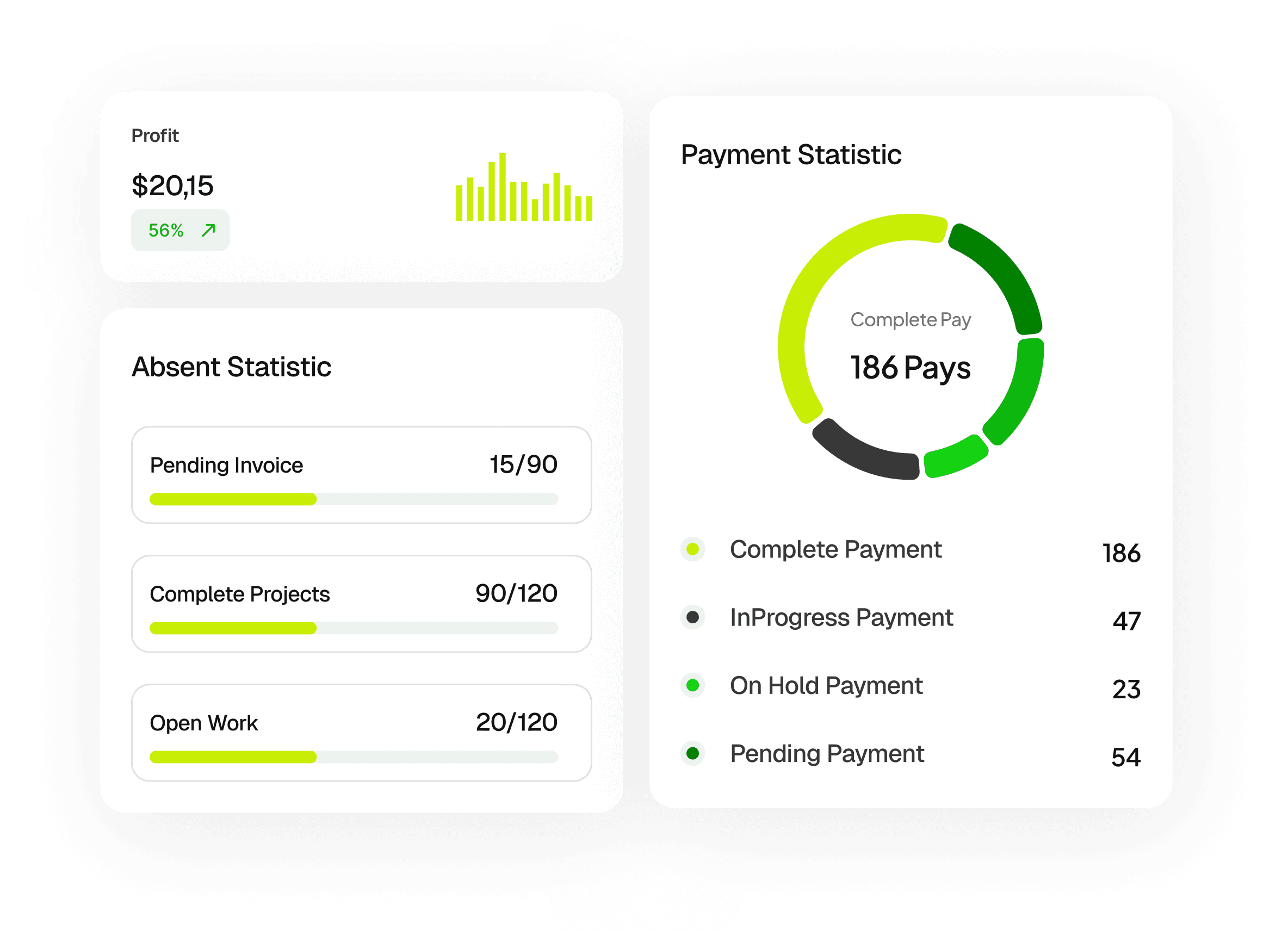
This software helps you track your income, manage expenses, send invoices, and view financial reports—all in one place. It’s designed to simplify your daily financial tasks without needing complex accounting tools.

Is This Suitable for Freelancers and Small Businesses?

Yes. This platform is built specifically for freelancers, small businesses, and agencies who need a simple way to manage their finances without hiring a full-time accountant.

Do I Need Accounting Knowledge to Use This?

No. The interface is designed to be simple and intuitive, so you can manage your finances even if you don’t have prior accounting experience.

Can I Create and Send Invoices?

Yes. You can create professional invoices, send them to clients, and track their payment status directly from your dashboard.

Does It Support Expense Tracking?

Absolutely. You can record, categorize, and monitor all your expenses, helping you stay on top of your spending.

What is This Bookkeeping Software Used For?

This software helps you track your income, manage expenses, send invoices, and view financial reports—all in one place. It’s designed to simplify your daily financial tasks without needing complex accounting tools.

Is This Suitable for Freelancers and Small Businesses?

Yes. This platform is built specifically for freelancers, small businesses, and agencies who need a simple way to manage their finances without hiring a full-time accountant.

Do I Need Accounting Knowledge to Use This?

No. The interface is designed to be simple and intuitive, so you can manage your finances even if you don’t have prior accounting experience.

Can I Create and Send Invoices?

Yes. You can create professional invoices, send them to clients, and track their payment status directly from your dashboard.

Does It Support Expense Tracking?

Absolutely. You can record, categorize, and monitor all your expenses, helping you stay on top of your spending.

What is This Bookkeeping Software Used For?

This software helps you track your income, manage expenses, send invoices, and view financial reports—all in one place. It’s designed to simplify your daily financial tasks without needing complex accounting tools.

Is This Suitable for Freelancers and Small Businesses?

Yes. This platform is built specifically for freelancers, small businesses, and agencies who need a simple way to manage their finances without hiring a full-time accountant.

Do I Need Accounting Knowledge to Use This?

No. The interface is designed to be simple and intuitive, so you can manage your finances even if you don’t have prior accounting experience.

Can I Create and Send Invoices?

Yes. You can create professional invoices, send them to clients, and track their payment status directly from your dashboard.

Does It Support Expense Tracking?

Absolutely. You can record, categorize, and monitor all your expenses, helping you stay on top of your spending.

Create a free website with Framer, the website builder loved by startups, designers and agencies.