Invoicing
How to Create and Send Professional Invoices Faster
Learn how to create, customize, and send professional invoices quickly using simple tools and best practices that save time and improve cash flow.

By
Reshma Haldar
Date

Introduction
Creating invoices shouldn’t take hours or require complex tools. For freelancers and businesses, invoicing is a routine task—but doing it manually can slow you down and delay payments. The faster you create and send invoices, the quicker you get paid.
In this guide, you’ll learn how to simplify your invoicing process and make it more efficient without sacrificing professionalism.
Why Speed Matters in Invoicing
Delays in invoicing often lead to delays in payment. When invoices are sent late or contain errors, it creates friction for clients and impacts your cash flow. A faster invoicing process ensures that your business stays organized and financially healthy.
1. Use a Standard Invoice Template
Instead of creating invoices from scratch every time, use a consistent template. A good invoice template includes your business details, client information, itemized services, pricing, and payment terms.
Using a template not only saves time but also ensures consistency across all your invoices.
2. Automate Repetitive Tasks
If you regularly bill the same clients, automation can significantly reduce your workload. Recurring invoices, saved client details, and pre-filled items allow you to generate invoices in seconds.
Automation also reduces human error, which helps maintain accuracy.
3. Keep Your Invoice Clear and Professional
A professional invoice is easy to read and understand. Avoid clutter and focus on clarity. Use clear headings, organized line items, and simple formatting.
Make sure your invoice includes:
Service or product details
Total amount due
Payment deadline
Clarity helps clients process payments faster.
4. Send Invoices Immediately
One of the biggest mistakes is waiting too long to send invoices. Always send invoices as soon as the work is completed.
Faster delivery increases the chances of faster payment and keeps your workflow consistent.
5. Offer Multiple Payment Options
Make it easy for clients to pay you. Offering multiple payment methods such as bank transfer, cards, or digital payments removes friction and speeds up the process.
The easier it is to pay, the quicker you get paid.
6. Track Invoice Status
Always track whether an invoice is sent, viewed, or paid. This helps you follow up at the right time and avoid missed payments.
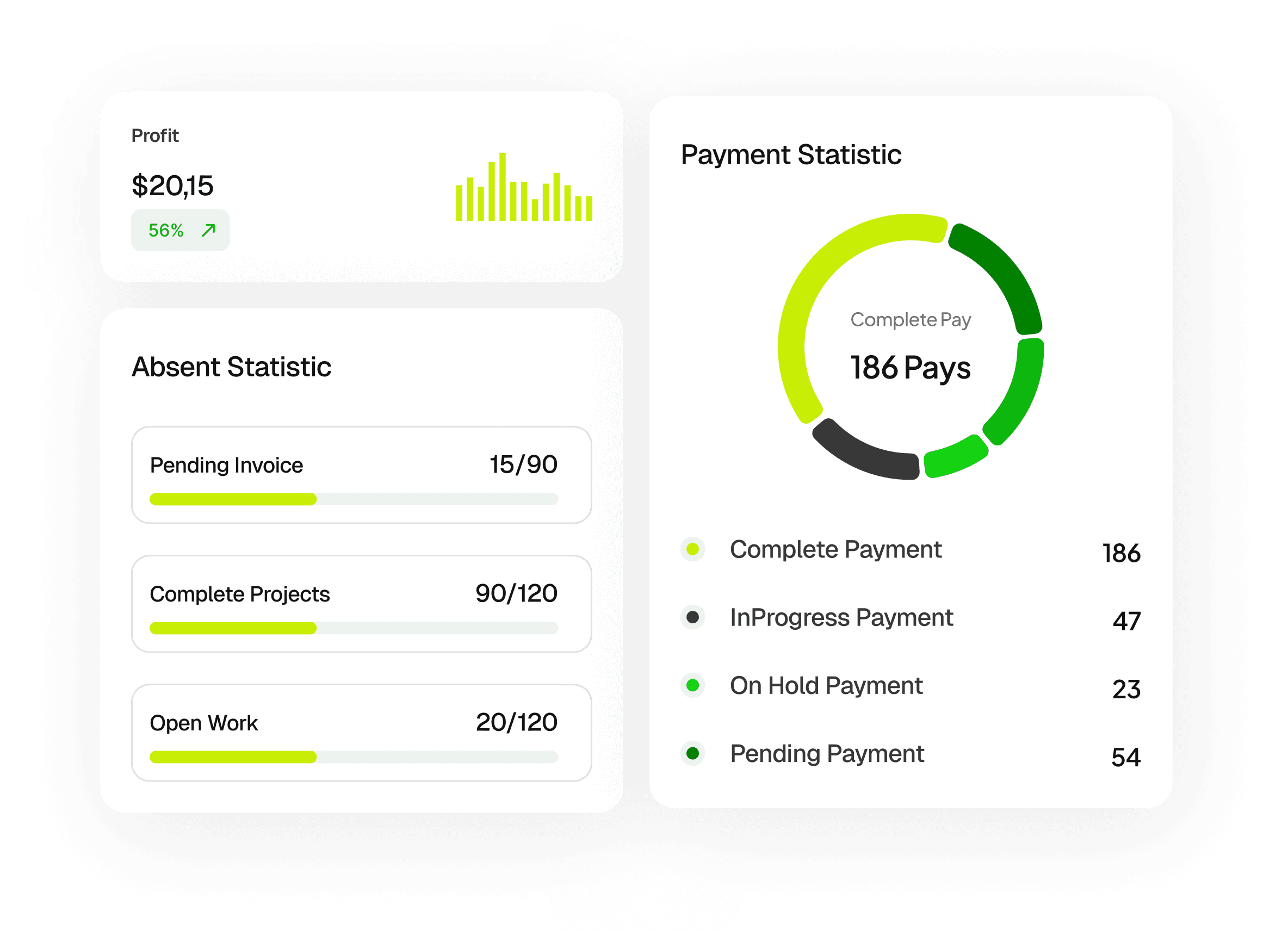
A simple dashboard that shows invoice status can save hours of manual tracking.
7. Send Payment Reminders
Not all clients pay on time. Instead of manually following up, use automated reminders. A gentle reminder can significantly improve payment speed without damaging client relationships.
Conclusion
Creating and sending professional invoices doesn’t have to be complicated. By using templates, automating tasks, and sending invoices on time, you can streamline your workflow and improve your cash flow.
A faster invoicing process not only saves time but also helps you run your business more efficiently.